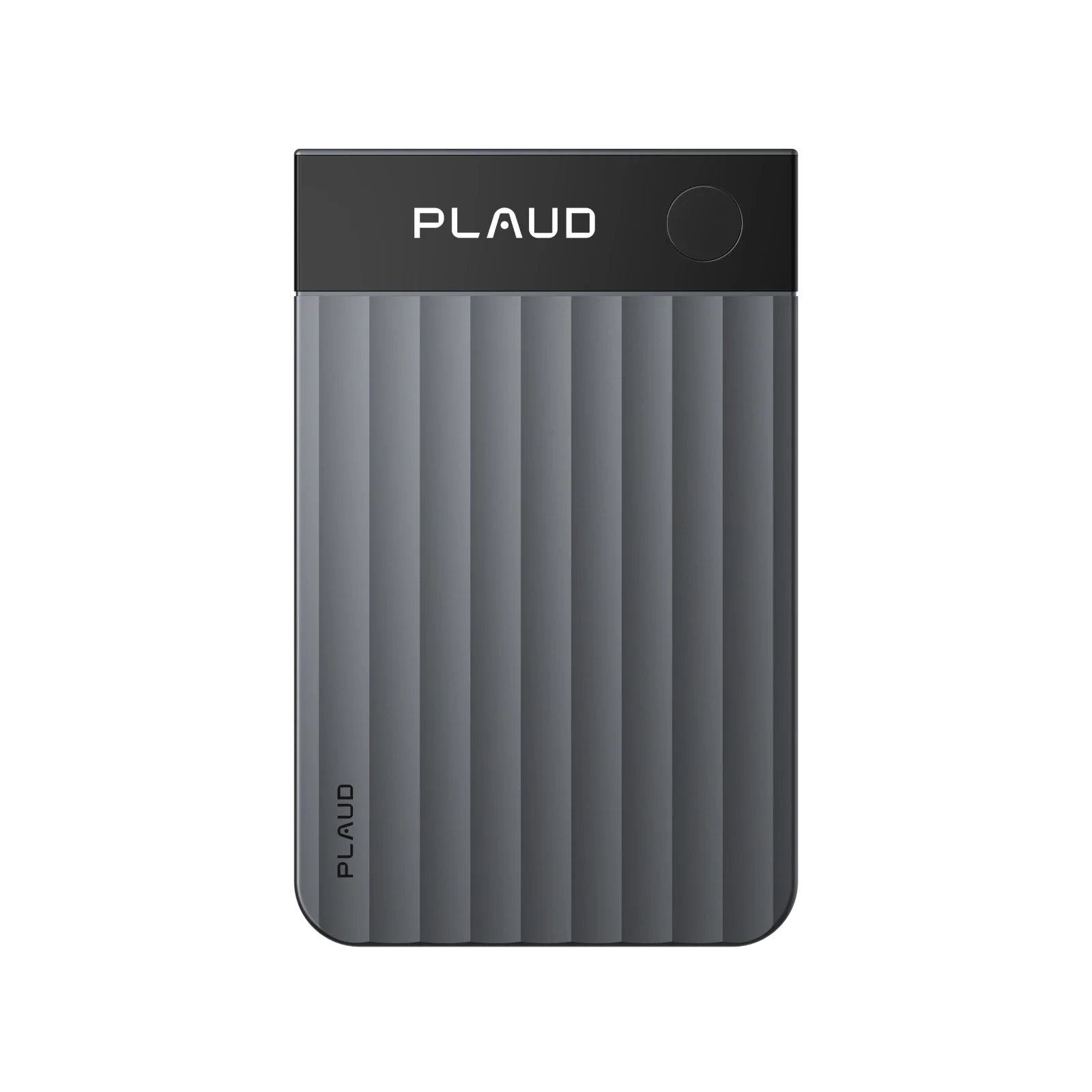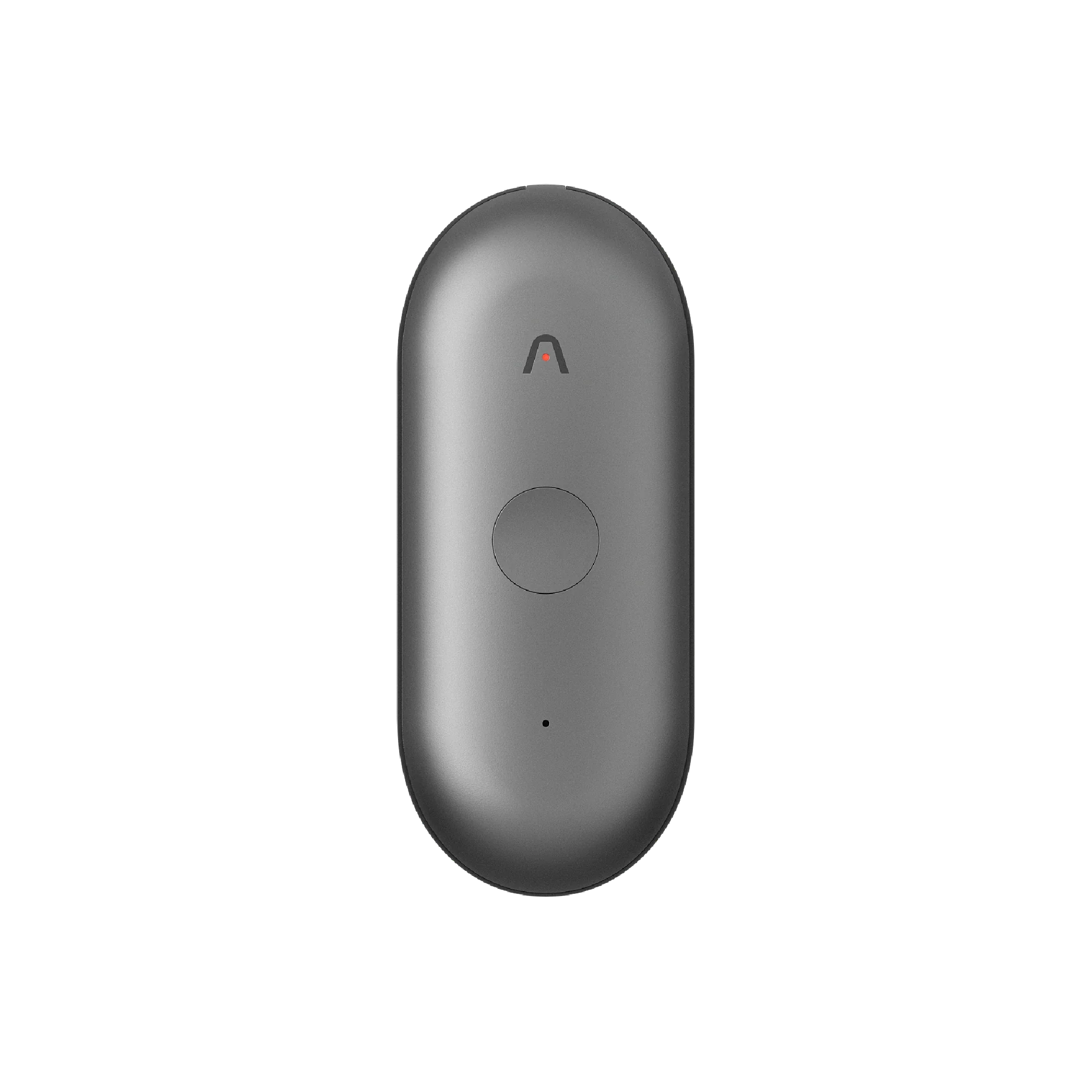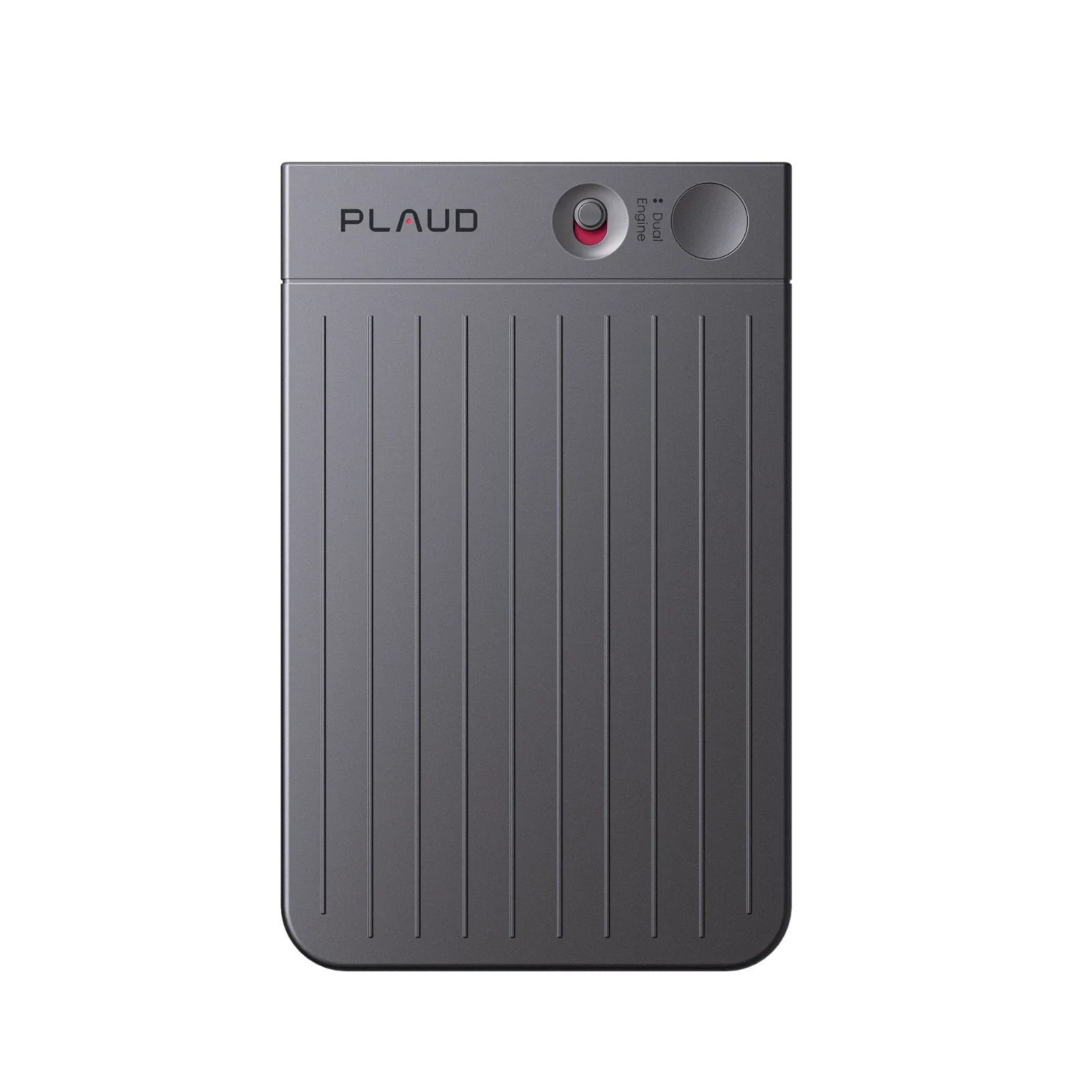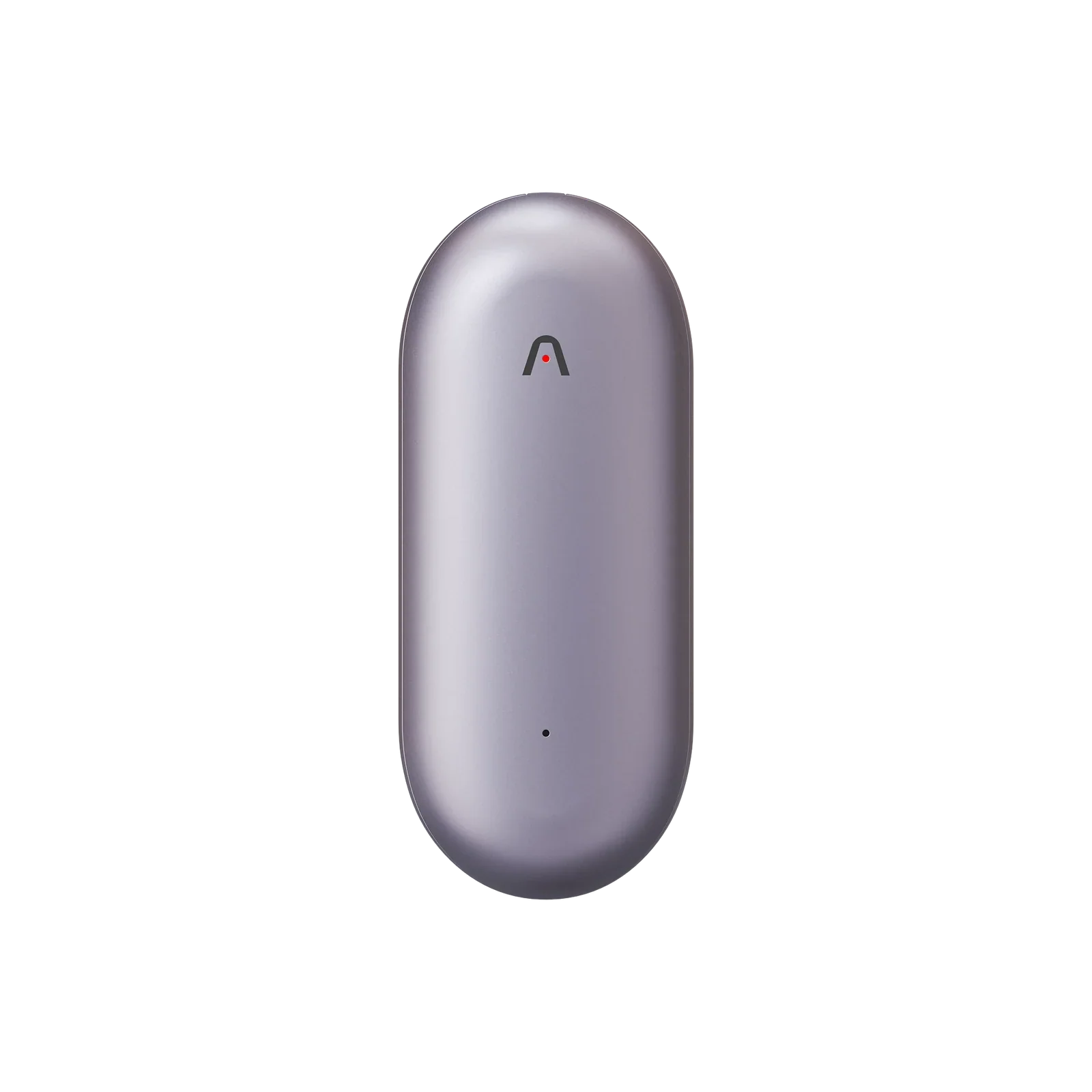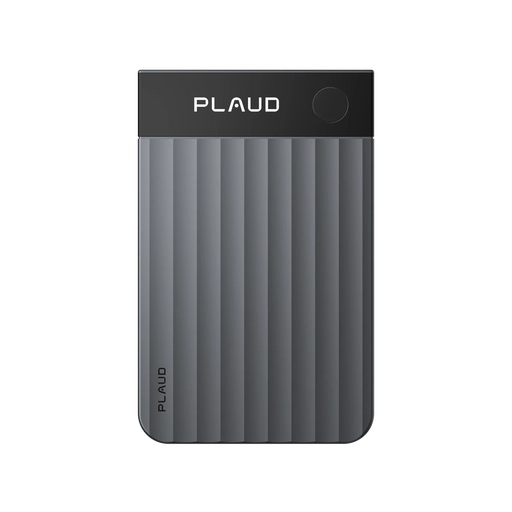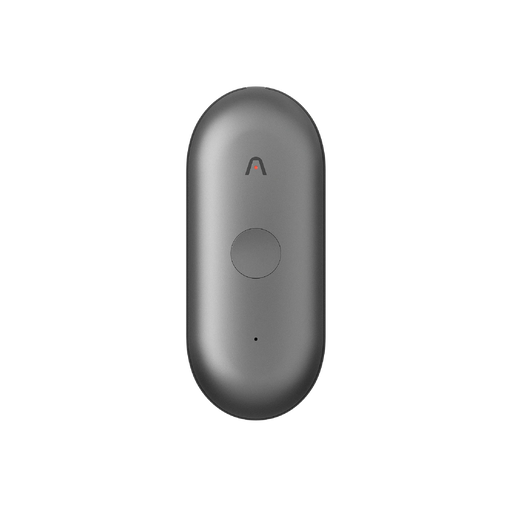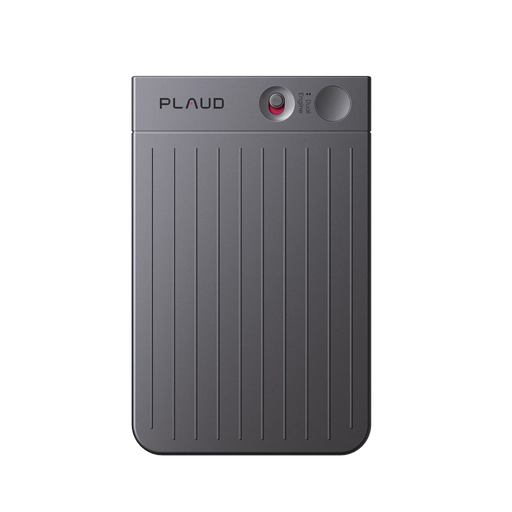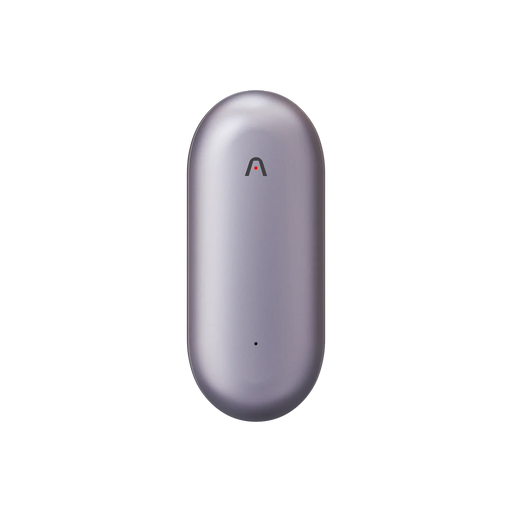
We’re proud to share that Plaud Note Pro wins the Red Dot Design Award: Product Design 2026, one of the world’s most internationally recognized distinctions in design. The Red Dot Design Award is widely recognized as a mark of high design quality, and its Product Design competition has honored products with outstanding design quality since 1955.
For Plaud, this recognition marks an important milestone for Plaud Note Pro and for our continued effort to build intelligent, human-first tools for professionals. It also marks Plaud’s third consecutive year of winning the Red Dot Design Award.
Designed for How Professionals Actually Work
At Plaud, we believe good design is about how a product feels in real use, how naturally it fits into a workflow, and how effectively it supports the people who rely on it every day.
Plaud Note Pro is designed for professionals whose most important work happens in conversation. In a client meeting, a leadership review, a hiring interview, or a fast-moving call, important context can surface and disappear quickly. Built to help users stay present in those moments while making it easier to capture what matters and return with clarity afterward.
That is where thoughtful design matters. A professional tool should not add friction in the room. It should feel natural to carry, quick to start, and easy to trust when the conversation matters most.

Details That Make the Difference
One of Plaud's key differentiators is sensor-enabled real-time Human–AI alignment, an approach built on the belief that better AI depends on better signals of human intent, not just more data.
That idea becomes tangible in press-to-highlight. Rather than treating highlight as a passive feature, Plaud uses it as a real-time signal of what matters to the user in the moment. A single press helps preserve that intent more clearly and more accurately than asking the model to infer it afterward.
The hardware follows the same logic. By keeping one core button as the main point of interaction, Plaud Note Pro reduces friction, shortens the learning curve, and preserves the distinct tactile clarity of dedicated hardware. The result is a product experience that feels immediate, intuitive, and usable in the flow of real work.
The same is true of the intelligence behind it. Plaud Note Pro supports multimodal input across audio, text, images, and highlights, alongside transcription features such as 112 languages, speaker labels, and custom vocabulary. Together, these capabilities help turn real-time human signals into more structured context, so users can revisit conversations with greater clarity and move more naturally into summaries, follow-up, and action.

A Recognition That Reinforces Our Direction
Winning the Red Dot Design Award 2026 is an encouraging milestone, but it also reinforces the direction we are taking: building products that help professionals stay focused, think clearly, and turn conversations into usable intelligence.
We’re grateful to the Red Dot jury for this recognition, and to our users and community for helping to shape what we build next. We look forward to continuing that work through thoughtful design, trusted performance, and intelligent tools for professionals around the world.