Plaud Desktop | Capture Meetings on Mac & Windows
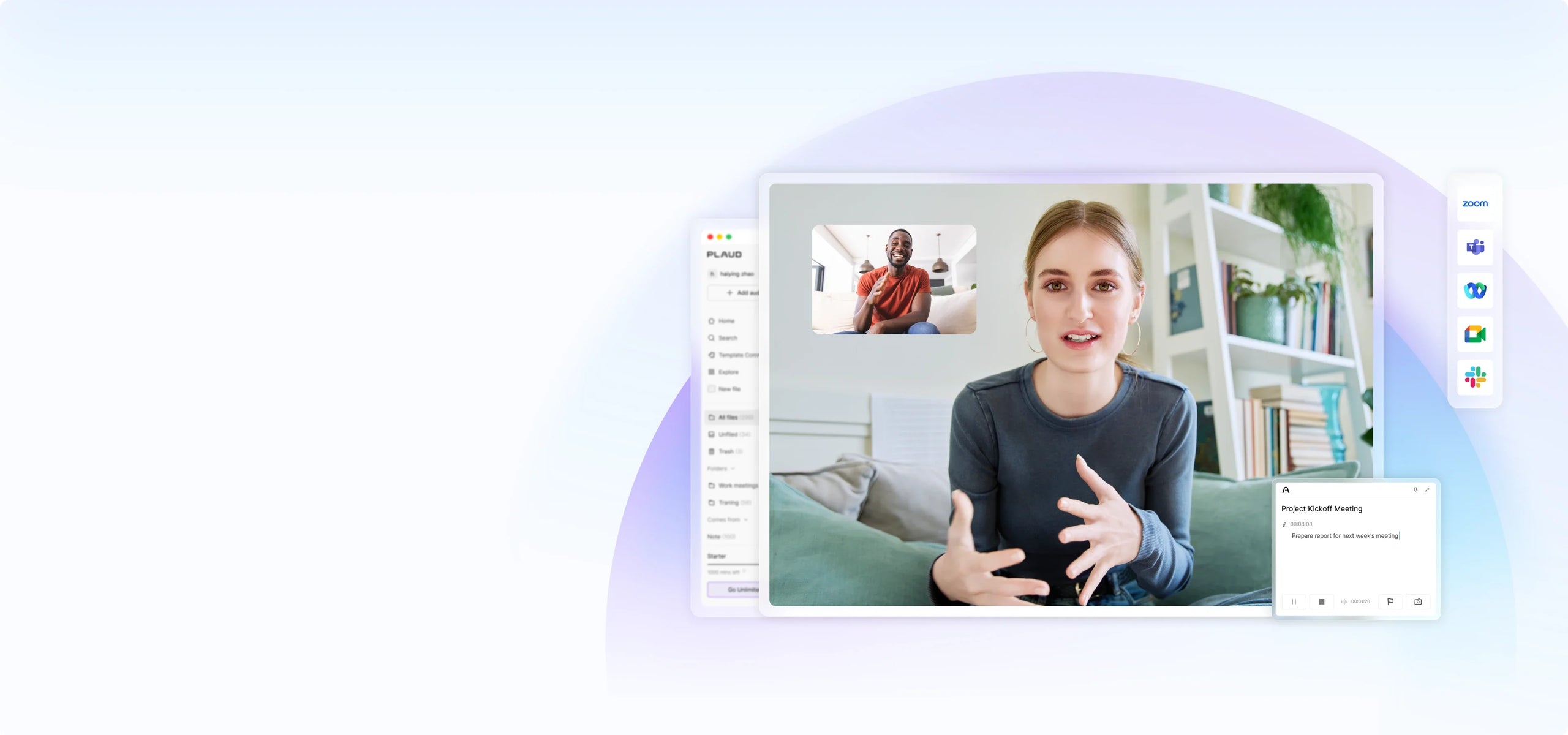
Capture every online meeting,
without a meeting bot

Never miss a meeting
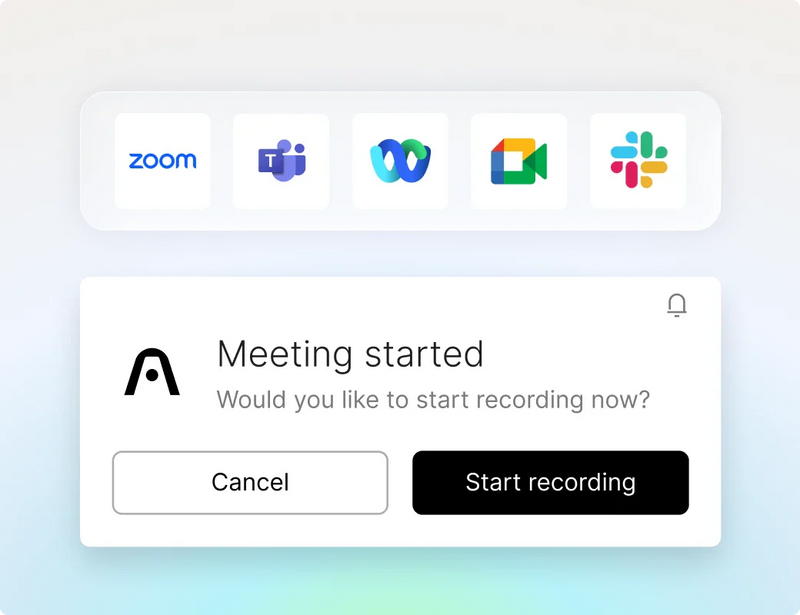

No meeting bots
it captures ambiently from your desktop.
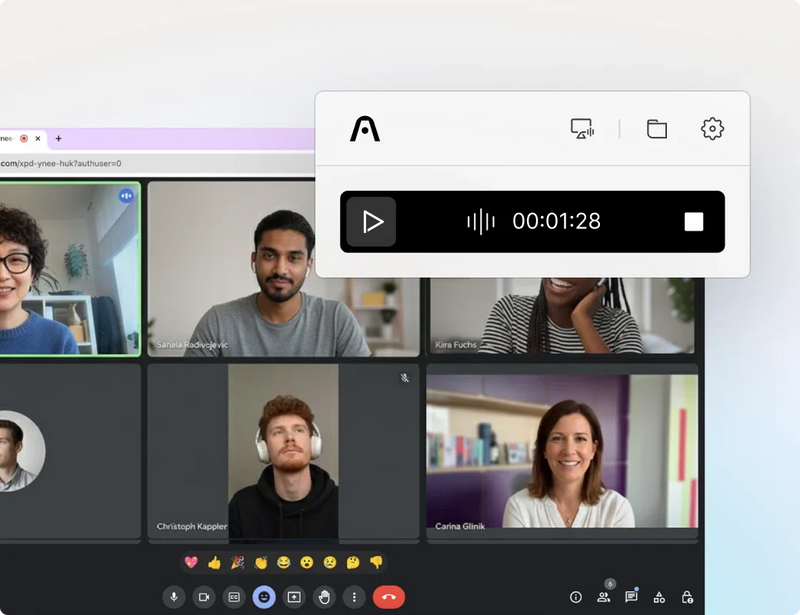

Highlight key moments
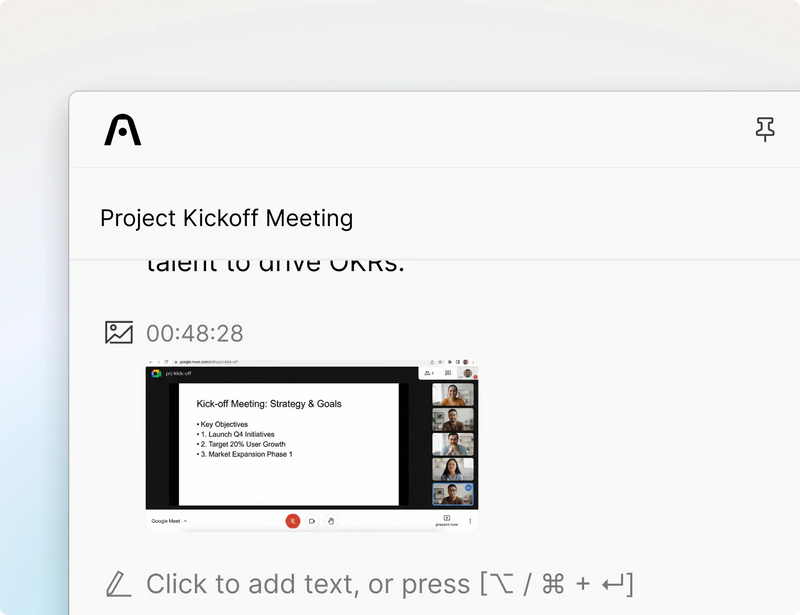

Seamless workflow
- Capture
- Extract
- Utilize
Capture

Extract

Utilize

Smart audio capture
Be fully present and let Plaud take notes for you.

Stay present and never miss a detail. Plaud Desktop detects when your Zoom, Google Meet, Microsoft Teams, or any meeting call begins and immediately starts audio capture securely.

Plaud Desktop captures your meetings natively without adding a bot or joining the call, giving you full control over how and when to record.

Control exactly when Plaud Desktop records. Set it on automatic recording, get a prompt when meetings start, or start recording manually. This gives you flexiblity and control that fits your workflow and protects your privacy.
Multimodal input
Bring together audio, visuals, and text in one seamless flow for full context.

Plaud Desktop captures high-quality audio from any online meeting, played video, or live stream, natively from your desktop.

Highlight important audio moments as they happen. Plaud Desktop marks these moments and sends them to the AI as priority cues, keeping your insights accurate, relevant, and aligned with what you care about.

Type notes during the meeting. Plaud Desktop adds your text directly into the AI’s context so your summaries become richer and clearer.

Capture screenshots instantly. Plaud Desktop feeds each image into the AI so it understands visual details like slides and diagrams, helping it produce a more complete summary.
Powered by Plaud Intelligence

Reliable transcription for global professionals

Generate tailored professional summaries

Search and get context-aware answers

Automate your workflow for greater efficiency

Easily share or export insights with your team
Connected workspace

Global security standards
Have peace of mind knowing your conversations are encrypted to global security standards and remain private to you.

Plaud's ecosystem is designed to meet global security standards for data protection and compliance, including ISO 27001, ISO 27701, GDPR, SOC 2, HIPAA, and EN 18031.

Plaud Desktop securely syncs your recordings with your private Plaud workspace, keeping them protected, organized, and accessible across devices.

Plaud Desktop guides you through enabling microphone, system, and cloud sync permissions, supporting compliant recording from your very next meeting.

It's best practice to always ask for consent!*
Start capturing online meetings
for every conversation.
Plaud works wherever you work